

Pythagora
Build production-ready full-stack apps with AI agents inside your IDE
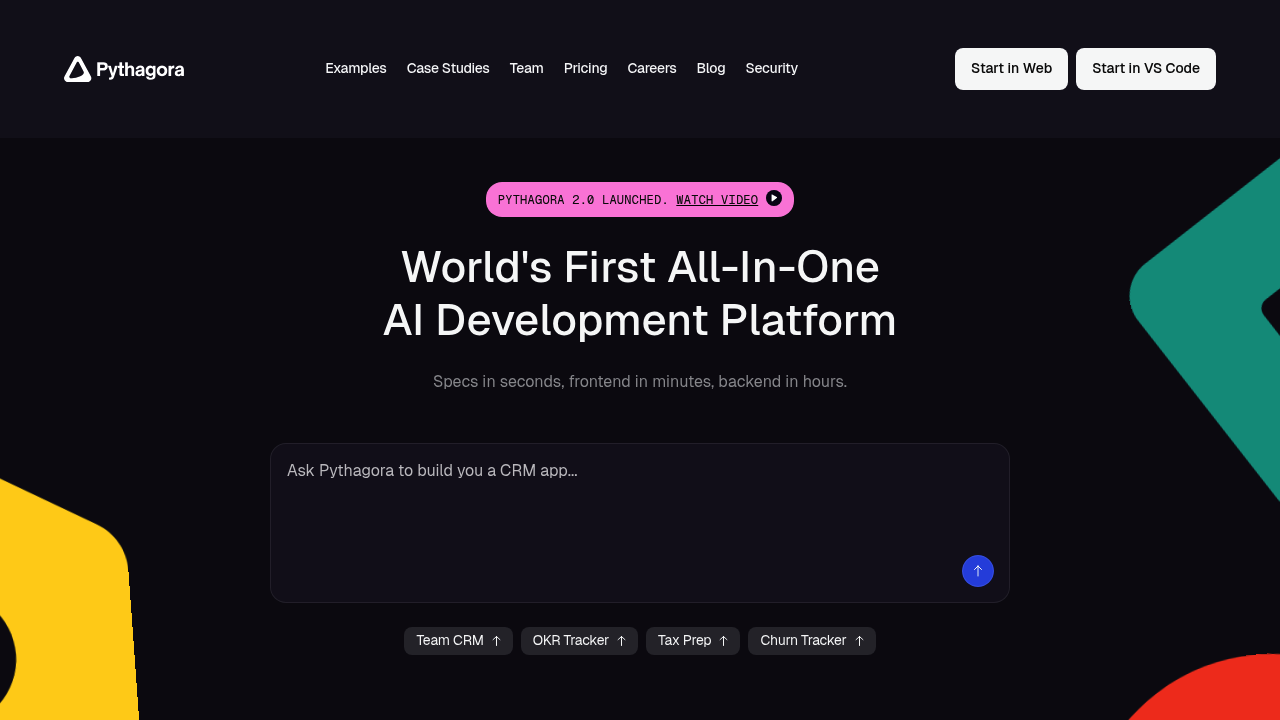
Pythagora - Replit alternative
Pythagora is an AI development platform that builds full-stack web applications with integrated debugging tools and production features. It operates as an intelligent teammate inside VS Code and Cursor, using 14 specialized AI agents that automate planning, coding, reviewing, testing, debugging, and deployment. The platform supports React and Node.js, with Python support under development. Solo developers prefer it because it handles the complete development lifecycle in hours rather than months, from initial concept to deployed application.
Strengths
- Includes professional IDE debugging features integrated directly into the workflow, providing immediate access to critical insights during development.
- Automates developer workflows including debugging and refactoring while asking user questions whenever feedback is needed.
- Produces fully auditable code through 14 specialized agents that handle everything from planning to deployment.
- Offers a functional free tier that allows developers to build frontend-only apps using their own API keys.
- Built on GPT Pilot, an open-source tool with over 32,000 GitHub stars, providing transparency and community support.
- Utilizes cutting-edge language models from OpenAI and Anthropic to ensure high-quality code generation.
Weaknesses
- Python support is still under development, limiting language options to React and Node.js.
- Users report difficulty canceling subscriptions, with no clear option in profile or help sections.
- Free tier includes watermarks on deployed applications, requiring paid plans to remove branding.
- Works exclusively as an IDE extension, requiring VS Code or Cursor rather than offering a standalone web interface.
- Token limits on paid plans (10M on Pro, 20M on Premium) may constrain larger projects compared to alternatives.
Best for
Solo developers and small teams who want an AI teammate that handles the entire development lifecycle from concept to deployment while maintaining full code auditability inside their existing IDE.
Pricing plans
- Starter — Free — Use your own API keys, frontend-only apps, watermark on deployments
- Pro — $49/month — Full-stack apps with database, no watermarks, 10M tokens included
- Premium — $89/month — 20M tokens included, all Pro features
- Enterprise — Custom pricing — Unlimited deployments, SSO, SLA, access control, audit logging
Tech details
- Type: AI development platform (IDE extension)
- IDEs: VS Code, Cursor
- Key features: 14 specialized AI agents, full-stack app generation (React + Node.js), integrated debugging tools, automated testing, database setup and connection, deployment automation, code review and refactoring
- Privacy / hosting: Requires connection to external LLM providers (OpenAI, Anthropic); users can bring their own API keys on free tier; code is generated locally in your IDE; deployment options available but hosting details not specified
- Models / context window: Uses OpenAI and Anthropic models; specific model names and context windows depend on user's API key configuration or platform-provided access; approximately standard context sizes for GPT-4 and Claude models
When to choose this over Replit
- You want an AI assistant integrated into your existing VS Code or Cursor workflow rather than a separate web-based environment.
- You need end-to-end automation from planning through deployment with specialized agents handling each development phase.
- You prefer full code auditability and transparency with the ability to review and modify every generated component.
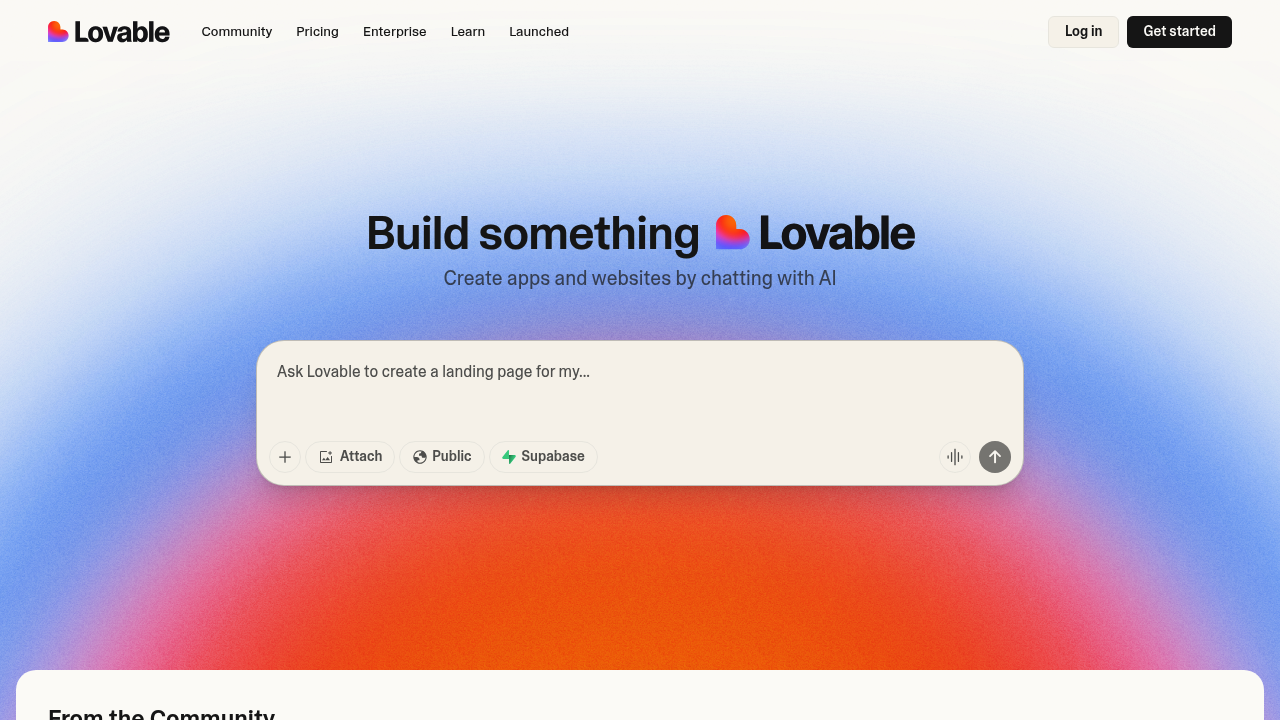
When Lovable may be a better fit
- You want a fully browser-based development environment without requiring local IDE installation.
- You need rapid visual prototyping with instant previews rather than step-by-step agent orchestration.
- You prefer a simpler, more streamlined interface focused specifically on web app generation without IDE complexity.
Conclusion
Pythagora positions itself as an all-in-one AI development platform that goes beyond simple code generation demos. Its multi-agent architecture and integrated debugging tools address common pain points where AI-generated applications fail after initial deployment. The platform serves as a Replit alternative for developers who prefer working inside VS Code or Cursor and need comprehensive automation across the entire development lifecycle. While language support is currently limited and subscription management has room for improvement, the auditable approach and production focus make it suitable for solo developers building real applications.
Sources
- Official site: https://www.pythagora.ai
- Documentation: https://github.com/Pythagora-io/gpt-pilot/wiki
- Pricing: https://www.pythagora.ai/pricing
FAQ
What is Pythagora and how does it work?
Pythagora is an AI development platform that functions as a teammate inside VS Code and Cursor. It uses 14 specialized AI agents to automate the complete web application development process, including planning, coding, testing, debugging, and deployment. You start with a description of your idea, and the agents collaborate to build a production-ready full-stack application.
Can I use Pythagora for free?
Yes. The Starter plan is free and allows you to build frontend-only applications using your own API keys from OpenAI or Anthropic. However, free deployments include a watermark. Full-stack development with backend and database support requires the Pro plan at $49/month.
What programming languages and frameworks does Pythagora support?
Pythagora currently supports React for frontend development and Node.js for backend development. Python support is under development. The platform is optimized for full-stack web applications rather than general-purpose programming.
How is Pythagora different from GitHub Copilot or Cursor's built-in AI?
Unlike code completion tools, Pythagora handles the entire development lifecycle with 14 specialized agents. It doesn't just suggest code snippets—it plans architecture, writes complete features, sets up databases, runs tests, debugs issues, and deploys applications. It functions more like an AI developer teammate than an autocomplete assistant.
Does Pythagora work offline or require internet connection?
Pythagora requires an internet connection to communicate with AI language models (OpenAI or Anthropic). On the free plan, you provide your own API keys. On paid plans, token usage is included. The extension runs locally in VS Code or Cursor, but it needs online access to generate and review code.
What happens to my code and project data in Pythagora?
Code is generated locally in your VS Code or Cursor workspace. When using your own API keys, your prompts and code are sent to the LLM provider you've configured (OpenAI or Anthropic) according to their privacy policies. On paid plans using Pythagora-provided tokens, similar terms apply. The platform emphasizes code auditability, meaning you maintain full visibility and control over generated code.
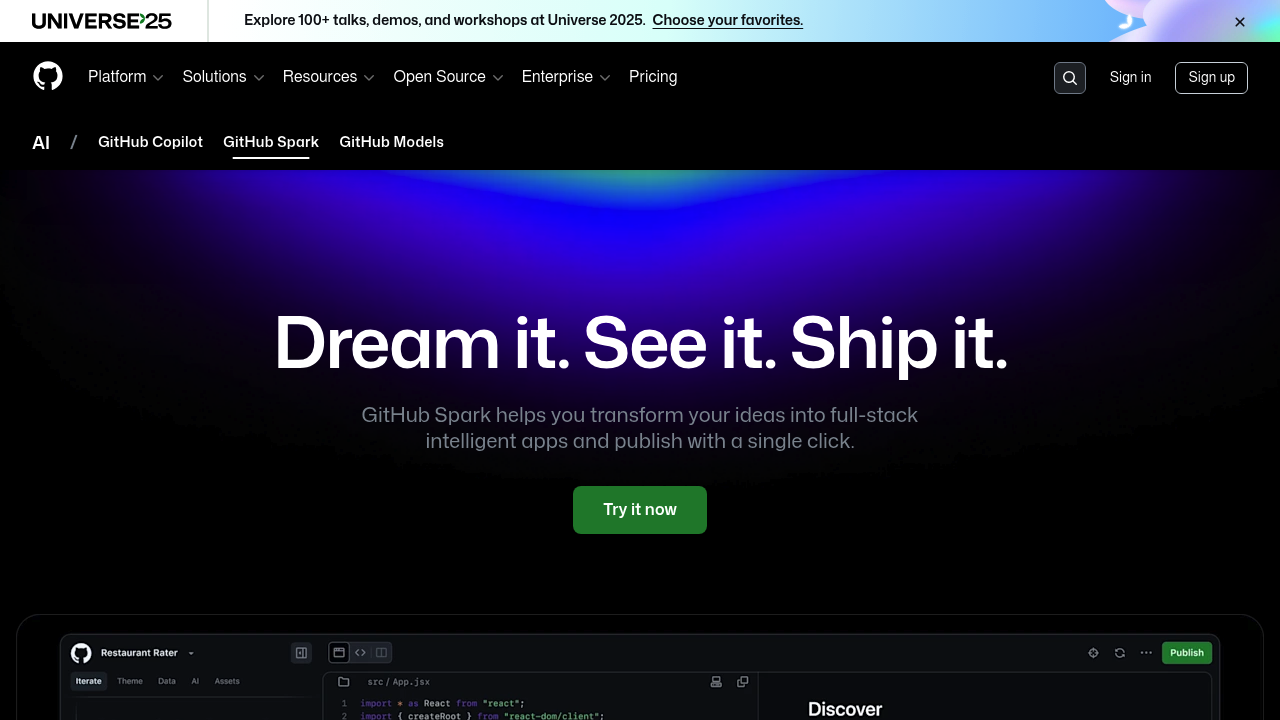
 GitHub Spark
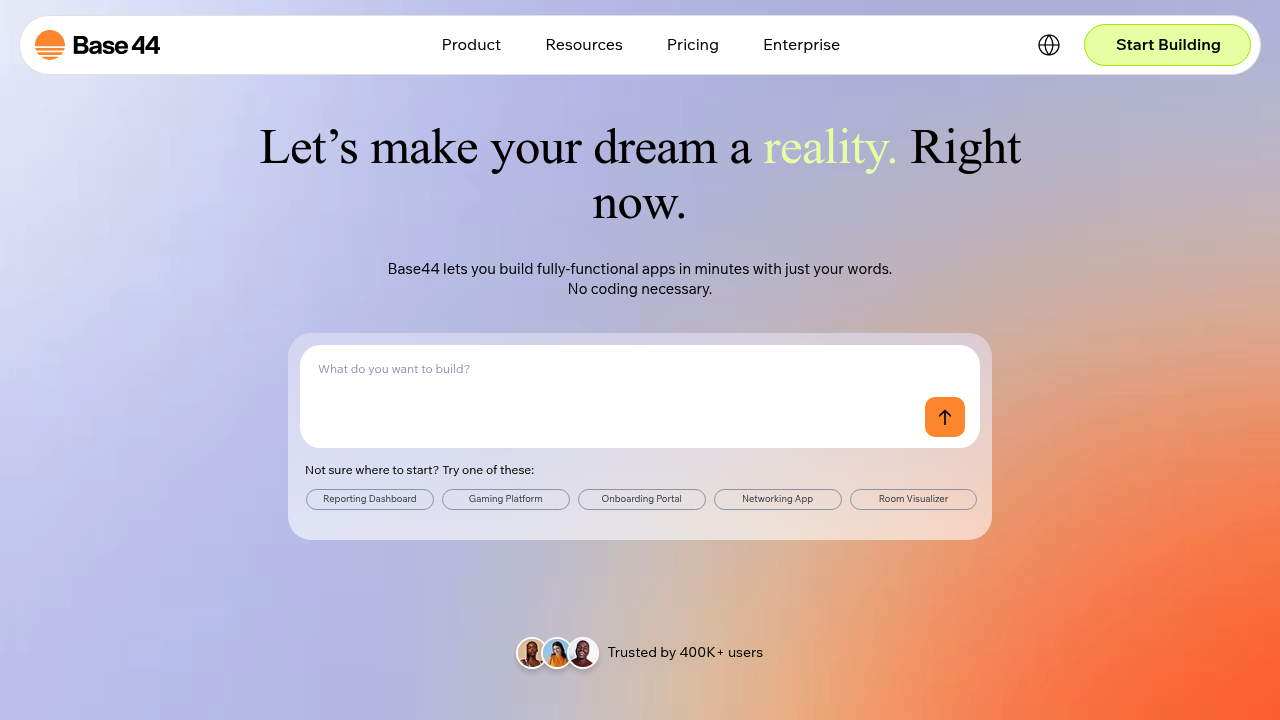
 Base44
 Lovable