Tempo
Contact
Tempo
Tempo: A Replit Alternative in 2026
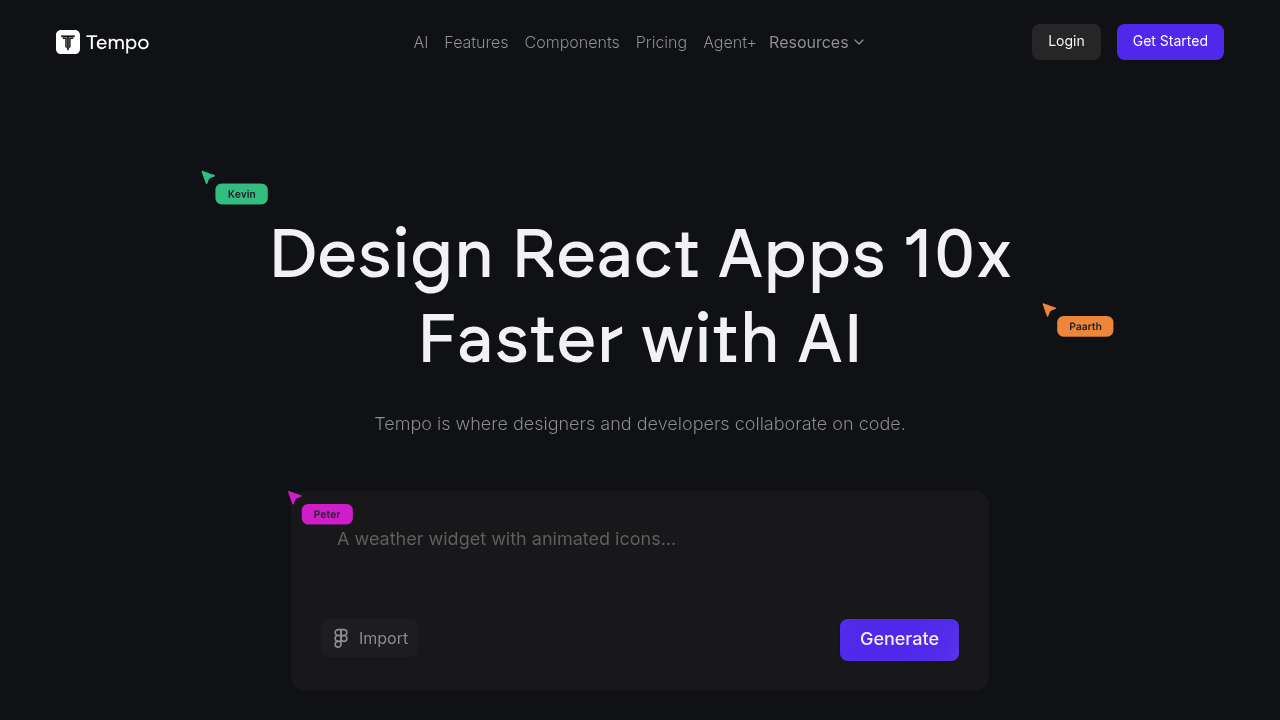
Tempo is a visual development tool for React applications that combines a drag-and-drop design editor with direct code access — bridging the gap between design tools like Figma and traditional code editors. Compared to Replit, Tempo occupies a more specific niche: it is purpose-built for React UI development with visual editing, not a general-purpose coding environment. The core tradeoff is specialization versus breadth: Tempo excels at building and iterating on React component-heavy UIs, while Replit is a broader platform for any language, any type of project. Teams or individuals who need Python, backend APIs, mobile apps, or non-React front ends should not use Tempo as a Replit replacement.
Tempo vs. Replit: Feature Comparison
| Feature | Tempo | Replit |
|---|---|---|
| Primary approach | Visual drag-and-drop editor for React codebases + AI-assisted code generation | Browser-first multi-language IDE with built-in AI and deployment |
| Output stack | React (TypeScript/JavaScript); works with existing codebases | 50+ languages including Python, Node.js, Go, Rust, Java |
| AI capability | AI agents for generating React components, fixing errors, and building features; reasoning agents on Pro | Replit AI for code generation, debugging, explanation |
| Visual editing | Yes — drag-and-drop component editor with live code sync | No drag-and-drop |
| Figma import | Not a direct Figma import, but supports Storybook component imports and custom design systems | Not supported |
| Deployment | Push to GitHub; deploy via your own hosting (Vercel, Netlify, etc.); no built-in deploy | Built-in one-click deployment (Replit Deployments) |
| Database | Not built-in | Built-in key-value store; Postgres on paid plans |
| Auth | Not built-in | Not built-in |
| Mobile support | No mobile app; browser only | iOS/Android apps available |
| Git workflow | Push to GitHub; open in VS Code locally | Git available; secondary to Replit UX |
| Code export/portability | Full — it's a standard React codebase; export or open in VS Code anytime | Export available |
| Collaboration | Not publicly documented for real-time collab; primarily single-user focused | Multiplayer editing built-in |
| Error handling | AI-assisted error fixes; error fixes do not count against credit quota | AI-assisted error detection and fixes |
| Pricing model | Credit-based (monthly credits); free plan capped at 30 credits/5 per day | Subscription tiers; compute-based limits |
| Free plan | 30 credits/month (max 5/day); error fixes free and unlimited | Limited free tier |
| Paid plans | Pro at $30/month; Agent+ at $4,500/month for managed feature delivery | Core ~$20/month; Teams and higher tiers |
What Tempo Does Differently
- Visual editing with live code sync: Tempo's drag-and-drop editor modifies real React code in real time. Changes in the visual layer are immediately reflected in the codebase — and vice versa. This is not a prototyping tool that exports static code; it is a true bidirectional editor.
- Bring your own codebase: Unlike many visual builders that force you into a proprietary structure, Tempo works with existing React projects. You can import your current repo and start editing visually without rewriting anything.
- Design system integration: Tempo supports importing components from Storybook or generating custom component libraries. This is specifically valuable for teams maintaining a shared design system alongside a product codebase.
- Error-fix credits are free: AI-powered error fixes do not consume Tempo's monthly credit quota. This makes the free and Pro tiers more usable for active development where errors are frequent.
Known Limitations
- Credit-based pricing risk: The free plan is limited to 30 credits/month (5/day), and Pro is $30/month for credit-based AI actions. The $4,500/month Agent+ tier is priced for teams, not individuals. Costs can scale quickly for heavy AI feature generation.
- React-only: Tempo does not support Vue, Angular, Svelte, or any non-React framework. If your stack uses anything other than React, Tempo is not applicable.
- No built-in deployment: You must configure your own hosting. There is no equivalent to Replit's one-click deploy or built-in domain assignment.
- Not a general-purpose IDE: Tempo is not suitable for backend development, Python scripts, data science, or any non-UI workflow. Replit handles all of these cases.
Who Should Choose Tempo Over Replit
- React developers and teams who need to iterate rapidly on UI components without switching between a design tool and code editor.
- Designers with some coding knowledge who want to build and modify React UIs visually without hand-coding every change.
- Teams maintaining a Storybook-based design system who want a visual editing layer that reads and writes component code directly.
- Developers who already have a React codebase and want to accelerate UI work without starting from scratch in a new tool.
When Replit Is Still the Better Choice
- You need to develop in Python, Node.js (non-React), Go, Rust, Java, or any backend or non-React language.
- You need one-click deployment with built-in hosting without setting up Vercel, Netlify, or GitHub Actions.
- You are a beginner who wants to learn coding across multiple languages with AI tutoring.
- You need real-time multiplayer collaboration on a shared codebase, not just a visual editor session.
Pricing Comparison & Cost at Scale
Tempo:
- Free: $0/month — 30 credits total (max 5/day); error fixes are free and unlimited.
- Pro: $30/month — full access to code and reasoning agents; $50 for 250 bonus credits (non-expiring).
- Agent+: $4,500/month — Tempo's team builds 1–3 features per week with human engineers; 48–72hr turnaround; quality guaranteed. This is a managed service tier, not a self-serve IDE tier.
- Risk note: The credit model makes it easy to exhaust the free plan quickly. Pro users should track credit usage on AI-heavy feature builds.
Replit: Free tier with compute limits; Core ~$20/month; flat-rate and more predictable for general-purpose coding at modest usage levels.
How This Tool Compares to Other Options
- vs. Bolt.new: Bolt generates full-stack apps from prompts and deploys them. Tempo edits existing React codebases visually. Bolt is better for rapid prototyping; Tempo is better for iterating on a maintained React product.
- vs. Lovable: Lovable is also an AI-first React app builder with visual editing. Both target designers/developers in the React ecosystem. Lovable is more focused on full-stack app generation; Tempo is more focused on design-to-code parity for existing codebases.
- vs. Cursor: Cursor is a local AI-first code editor. No visual editing layer, no cloud hosting. Tempo's visual editor is its key differentiator over AI code editors like Cursor.
FAQ
- Is Tempo free?
- Yes, there is a free tier: 30 credits per month (up to 5 per day). Error fixes are always free. The free plan is limited but functional for small projects.
- Can Tempo replace Replit?
- Only for React UI development. Tempo does not support backend languages, databases, or deployment. It is a specialist tool, not a general-purpose Replit replacement.
- How does Tempo compare to Bolt.new?
- Bolt generates new full-stack apps from prompts and deploys them. Tempo works with existing React codebases and adds a visual editing layer. Bolt is better for starting from scratch; Tempo is better for maintaining and iterating on established projects.
- What is Tempo's key workflow?
- Import your React repo, then edit components visually using the drag-and-drop editor. Changes sync to code in real time. When ready, push to GitHub and deploy via your existing CI/CD or hosting provider.
- Is Tempo good for beginners?
- Partly. The visual editor lowers the barrier for React UI work. However, it assumes knowledge of React and component-based architecture. Absolute beginners or those new to JavaScript should start with Replit or a simpler platform first.
Sources
- Official site: https://www.tempo.new/
- Pricing: https://www.tempo.new/#pricing
- Documentation: Not publicly documented at time of writing