Continue
Open-source AI coding assistant that runs directly in your IDE with full model flexibility.
Continue.dev - Replit alternative
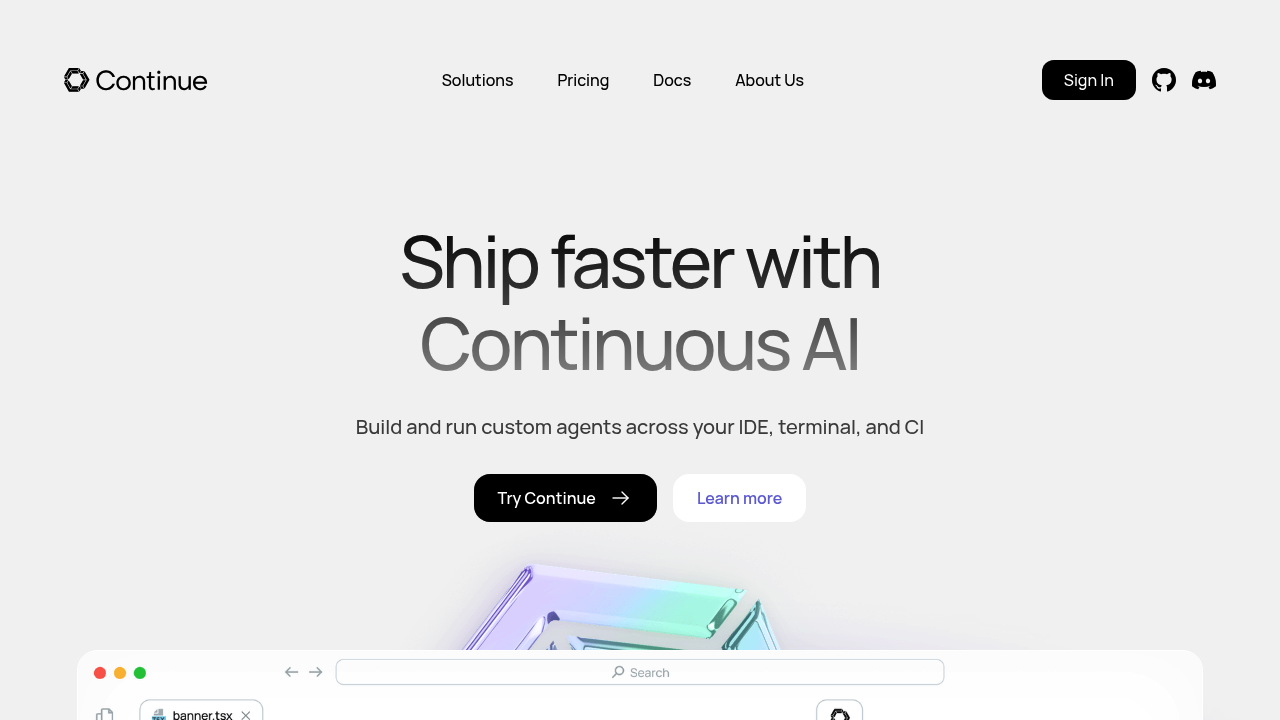
Continue.dev is an open-source IDE extension and CLI that enables developers to build custom AI code agents with complete control over models, rules, and context. It works as a plugin for VS Code and JetBrains IDEs, offering chat, autocomplete, edit, and agent modes for code generation and modification. Unlike cloud-based development environments, Continue operates within your existing editor setup. Solo developers favor it because they can use any model, define their own rules, and access community tools without vendor lock-in or usage limits.
Strengths
- Zero vendor lock-in with the ability to connect any AI model from providers like OpenAI, Anthropic, Azure, Mistral, or local models.
- Four distinct interaction modes: Chat for code discussions, Autocomplete for inline suggestions, Edit for in-file modifications, and Agent for substantial codebase changes.
- Terminal-native AI coding assistance with both interactive TUI and headless modes for CI/CD pipelines and automated workflows.
- Full data control with the ability to run completely self-hosted, keep proprietary code secure, and manage credentials centrally.
- Support for Model Context Protocol (MCP) tools, allowing integration with external data sources, APIs, and custom context providers.
- Feature-rich implementation with chat window, edit integrations, and codebase indexing via embeddings despite being fully open-source.
Weaknesses
- Requires bringing your own API keys for commercial AI models, creating variable monthly costs based on usage.
- Setup complexity compared to turnkey solutions; developers must configure models, context providers, and rules manually.
- No built-in cloud infrastructure for hosting or deployment, focusing solely on code generation within existing environments.
- Limited documentation for advanced customization scenarios compared to commercial alternatives.
Best for
- Developers who need AI coding assistance within their existing IDE and workflow without changing development environments.
- Teams requiring strict data control, self-hosted deployments, or integration with specific AI model providers.
- Engineers who want to experiment with multiple AI models or build custom coding agents tailored to their stack.
Pricing plans
- Free (Open Source) — $0/month — Apache 2.0 license, unlimited local usage, bring your own API keys for cloud models.
- Continue Hub — Pricing Unknown — Team collaboration features, centralized configuration, and credential management.
- Enterprise — Contact for pricing — Custom deployment, enterprise integrations, performance analytics, and governance controls.
Tech details
- Type: IDE extension (VS Code, JetBrains) with command-line interface
- IDEs: VS Code (via Marketplace), JetBrains (IntelliJ, PyCharm, WebStorm, etc.)
- Key features: Chat sidebar, inline autocomplete, in-file editing, autonomous agent mode, MCP tool integration, custom rules engine, background agents
- Privacy / hosting: Self-hosted or cloud; no data sent to Continue servers; credentials managed locally or via Continue Hub; works with on-premises models
- Models / context window: Supports models including Claude (200K context), GPT-4, Codestral, and others; context window varies by chosen model provider
When to choose this over Replit
- You need to work in your existing IDE and local development environment rather than a browser-based editor.
- You want complete control over which AI models to use without vendor lock-in or artificial usage limits.
- Your team requires centralized governance over allowed models, rules, and tools while protecting proprietary code.
When Replit may be a better fit
- You prefer an all-in-one cloud development environment with built-in hosting, databases, and deployment infrastructure.
- You want zero-setup collaboration features and instant project sharing without configuring local development environments.
- You need a turnkey solution with predictable pricing rather than managing API keys and usage costs across multiple providers.
Conclusion
Continue.dev delivers an open-source Replit alternative focused on AI-powered coding assistance within existing IDEs rather than replacing the entire development environment. Its strength lies in flexibility: developers control their models, data, and workflows completely. The platform extends beyond the editor with terminal integration and CI/CD capabilities, making it suitable for teams seeking AI assistance across their entire development pipeline. For developers prioritizing IDE integration, model flexibility, and data sovereignty over all-in-one cloud platforms, Continue presents a compelling option.
Sources
FAQ
Q: Can Continue.dev replace Replit as a complete development environment?
No. Continue.dev is an AI coding assistant that enhances your existing IDE. It does not provide hosting, databases, deployment infrastructure, or collaborative cloud workspaces like Replit. You'll need separate solutions for these capabilities.
Q: What AI models does Continue.dev support?
Continue.dev supports any AI model provider including OpenAI, Anthropic, Azure OpenAI, Mistral, Together AI, and local models via Ollama. You configure models through a YAML configuration file and bring your own API keys.
Q: Is Continue.dev truly free, or are there hidden costs?
The Continue.dev extension is free and open-source under Apache 2.0 license. However, using commercial AI models (GPT-4, Claude, etc.) requires API keys with usage-based billing from those providers. Local models via Ollama incur no API costs.
Q: Can Continue.dev work offline or with air-gapped systems?
Yes. Continue.dev can run entirely offline when configured with local models via Ollama or other self-hosted inference solutions. This makes it suitable for air-gapped environments where internet access is restricted.
Q: How does Continue.dev handle code privacy and security?
Continue.dev does not send code to Continue servers; all code is sent directly to your configured AI provider or local model. For enterprise deployments, you can self-host everything and maintain complete control over code and credentials.
Q: What's the difference between Continue.dev's free version and Enterprise?
The free open-source version provides full AI coding features with bring-your-own-model functionality. Enterprise adds centralized configuration, governance controls, team management, custom integrations, and performance analytics for organization-wide deployments.