

PearAI
Open-source AI code editor that runs locally with integrated multi-model chat and inline editing.
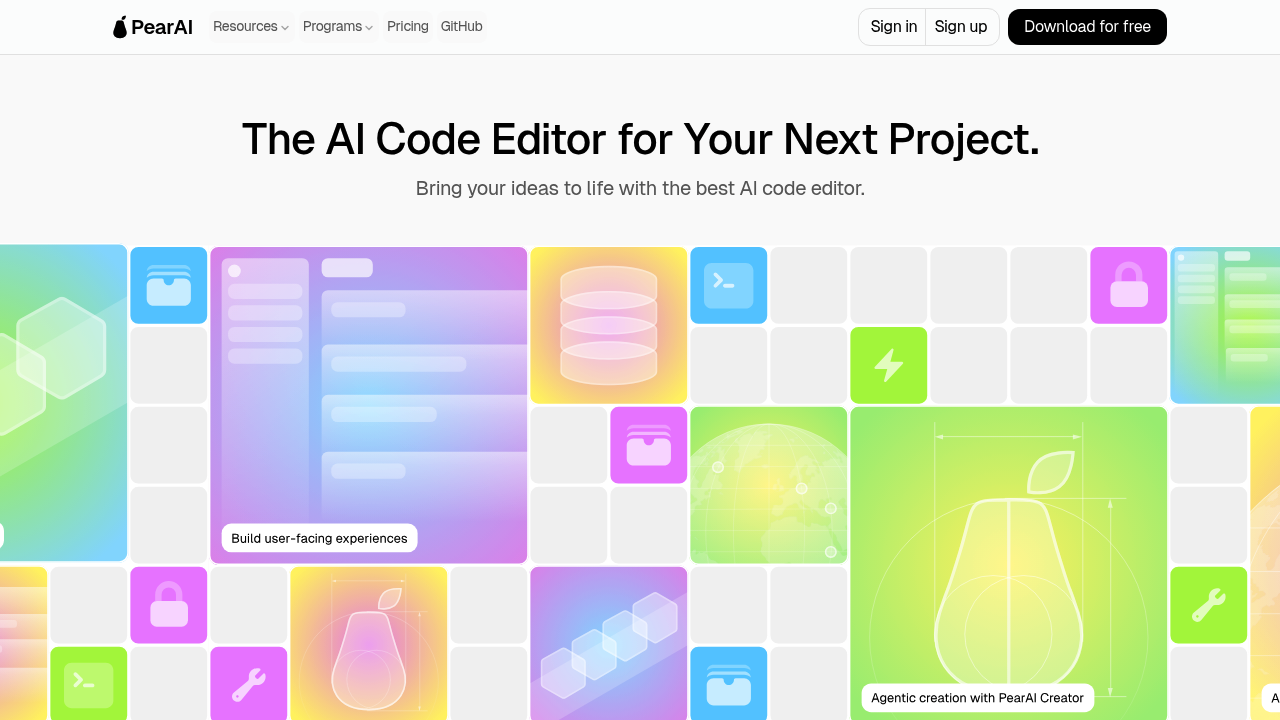
PearAI - Replit alternative
PearAI is an open-source AI code editor built as a fork of VSCode. It stores code locally on your computer and provides context-aware assistance through integrated AI chat. Solo developers prefer it because it offers a familiar VSCode interface while reducing coding time through seamless AI integration. Unlike browser-based environments, PearAI runs entirely on your desktop with full local development capabilities.
Strengths
- Built as a VSCode fork, allowing developers to maintain their existing workflow, extensions, and keyboard shortcuts.
- Supports multiple AI models including Claude 3.5 Sonnet, GPT-4o, Gemini 1.5 Pro, and allows users to bring their own API keys.
- Provides inline code editing with diff views (CMD+I) and codebase-aware context through @codebase commands that retrieve relevant code snippets.
- Code remains stored locally on your computer, providing full control over your development environment and data.
- Includes custom slash commands for common tasks like generating commit messages, CLI commands, unit tests, and code comments.
- Open-source with Apache 2.0 license, enabling community contributions and transparency.
Weaknesses
- No built-in hosting or deployment infrastructure compared to cloud-based platforms.
- Credit-based usage model may deplete faster with longer conversations and larger file contexts.
- Requires local setup and installation rather than instant browser access.
- Users who exceed monthly credit limits fall back to Claude 3.5 Haiku automatically.
- Limited documentation for advanced configuration compared to established IDEs.
Best for
Developers who want local AI-assisted coding with VSCode familiarity. Ideal for those prioritizing privacy, desktop workflows, and model flexibility.
Pricing plans
- Free Tier — $0/month — Requires bringing your own API keys; access to all supported models.
- PearAI Server Subscription — $15/month — Credit-based usage; includes Claude 3.5 Sonnet, GPT-4o, OpenAI o1-mini/preview, Gemini 1.5 Pro; unlimited Claude 3.5 Haiku after limit; early bird pricing grandfathered permanently.
- Credit Top-ups — Pay-as-you-go — Available for subscribers; credits never expire.
Tech details
- Type: Desktop application (TypeScript/Electron.js)
- IDEs: Fork of VSCode with PearAI Submodule (fork of Continue extension)
- Key features: Inline editing with diffs, AI chat with codebase context, custom slash commands, @ symbol commands for files/folders/docs/terminal, tab autocomplete support
- Privacy / hosting: Self-hosted/local installation; code stored locally on user's computer; backend uses Python Flask with Supabase database for user management
- Models / context window: Claude 3.5 Sonnet, GPT-4o, Gemini 1.5 Pro, OpenAI o1 series, plus support for Ollama, Mistral, DeepSeek, Cohere, Groq, and other local/API models; context size varies by model.
When to choose this over Replit
- You need a local development environment with full control over code storage and execution.
- You prefer VSCode's interface and want to preserve your existing extensions and workflow.
- You want flexibility to switch between multiple AI models or bring your own API keys.
When Lovable may be a better fit
- You need instant browser-based access without local installation requirements.
- Your workflow prioritizes rapid prototyping with integrated hosting and deployment.
- You prefer a fully managed environment where infrastructure maintenance is handled for you.
Conclusion
PearAI delivers an open-source AI code editor with powerful features for AI-assisted development. Its VSCode foundation and local-first architecture make it a strong Replit alternative for developers who prefer desktop environments. The $15/month subscription with multiple premium models provides accessible AI coding assistance. Solo developers gain AI-powered productivity while maintaining full control over their development environment.
Sources
- Official site: https://trypear.ai/
- Docs: https://trypear.ai/docs
- Pricing: https://trypear.ai/pricing
FAQ
What makes PearAI different from other AI code editors?
PearAI is built as a fork of VSCode, providing a familiar interface while integrating AI capabilities through its submodule based on Continue. Unlike browser-based editors, code stays locally on your computer, and you can choose from multiple AI models or bring your own API keys.
How does PearAI's credit system work?
PearAI measures usage in credits that vary based on prompt size, response length, model used, and AI tool selected. The $15/month subscription provides credits for premium models, and subscribers who hit their limit automatically switch to unlimited Claude 3.5 Haiku. Additional credits can be purchased as needed and never expire.
Can I use PearAI without a subscription?
Yes. You can use PearAI free by bringing your own API keys from providers like OpenAI, Anthropic, Google Gemini, or local models through Ollama. The free tier supports Claude, OpenAI, Gemini, Azure OpenAI, Mistral, Cohere, Groq, DeepSeek, TogetherAI, and other compatible APIs.
Does PearAI work offline?
PearAI stores code locally on your computer, but AI features require internet connectivity to access language models. You can use local models through Ollama, LM Studio, llama.cpp, or llamafile for offline AI assistance.
What programming languages does PearAI support?
Since PearAI is a VSCode fork, it supports all languages that VSCode supports. The AI features work with any programming language, providing context-aware assistance through codebase indexing and file-specific commands.
How does PearAI handle privacy and data security?
Code is stored locally on your computer rather than on remote servers. When using PearAI's subscription service, prompts are sent to AI providers for processing. Users can maintain complete privacy by using their own API keys or local models, ensuring no data leaves their machine.

 Zencoder
 Jolt AI
 GitLab Duo