Void
Open-source AI code editor with local model support and complete data privacy.
Void - Replit alternative
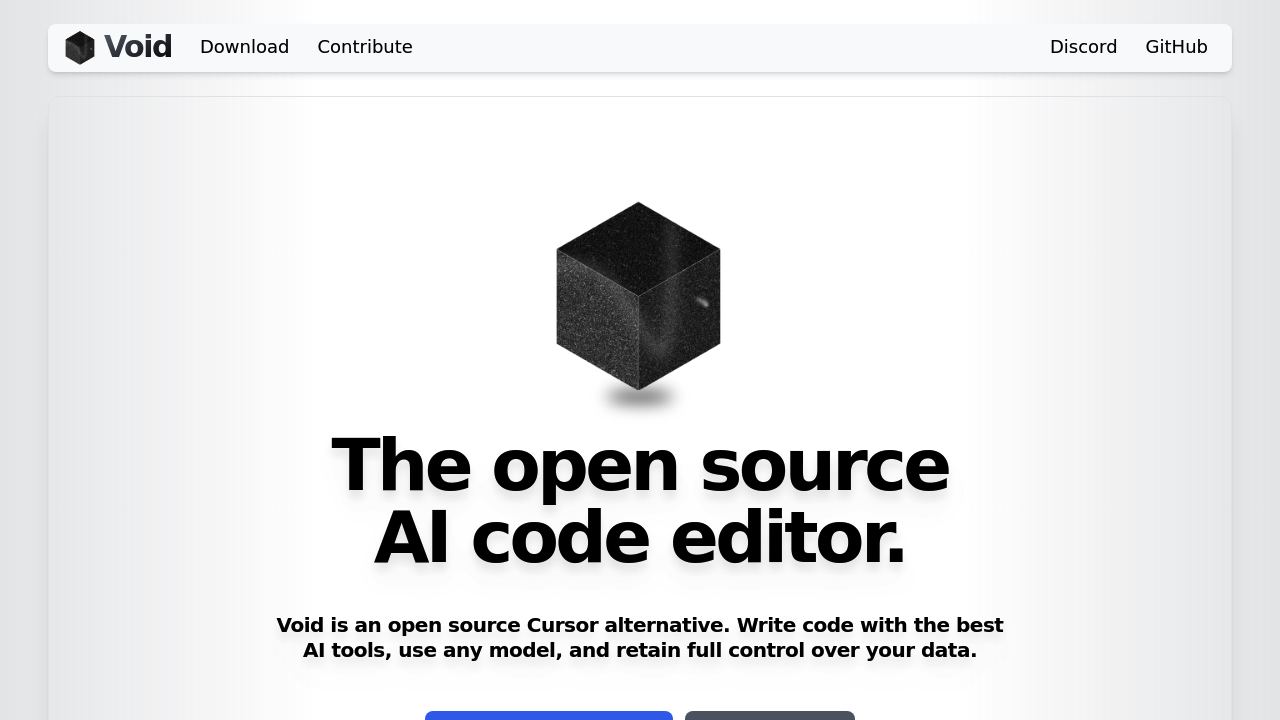
Void is a VS Code fork designed as an open-source alternative to Cursor. It provides AI-powered coding features without routing data through proprietary servers. Void sends messages directly to providers without retaining your data. Solo developers choose it for full control over AI models and privacy. While primarily a code editor rather than a Replit alternative with collaborative environments, Void offers powerful local development capabilities.
Strengths
- Complete VS Code compatibility allows one-click transfer of themes, keybinds, and settings
- Direct provider connections eliminate middleman services and reduce API costs
- Support for both private LLMs (Ollama, DeepSeek, Llama) and frontier models (Claude, GPT, Gemini)
- Agent Mode provides terminal access, file operations, and MCP tool integration
- Checkpoint system visualizes and manages LLM-generated code changes
- Fully transparent and privacy-focused design prevents data routing through proprietary servers
Weaknesses
- Development is currently paused while team experiments with novel features
- No browser-based execution environment like Replit provides
- Requires local setup and configuration compared to instant cloud IDEs
- Limited documentation for advanced features and model integration
- No built-in collaboration or real-time sharing capabilities
Best for
Solo developers who prioritize code privacy, want to use local AI models, and need VS Code compatibility without vendor lock-in.
Pricing plans
- Free — $0 — Void Editor is free and open-source. No token limits, no seat restrictions. Users pay only for their chosen AI provider API costs.
Tech details
- Type: Desktop code editor (local installation)
- IDEs: VS Code fork with full extension compatibility
- Key features: Tab autocomplete, inline quick edit, chat modes (Agent/Gather/Normal), checkpoint system, lint error detection, fast apply on large files
- Privacy / hosting: Self-hosted, runs locally, no data retention by Void infrastructure
- Models / context window: Supports Gemini 2.5, Claude 3.7, Grok 3, o4-mini, Qwen 3, DeepSeek, Llama, and any OpenAI-compatible model. Context windows vary by provider choice.
When to choose this over Replit
- You need complete data privacy with local model execution or direct API connections
- You prefer desktop development over browser-based environments
- You want to avoid recurring subscription costs and usage limits
When Lovable may be a better fit
- You need instant browser-based deployment without local setup
- Your workflow requires real-time collaboration with team members
- You want integrated hosting and preview environments for web applications
Conclusion
Void IDE positions itself as a privacy-focused and free alternative to proprietary AI editors. Founded in 2024 by Andrew Pareles and Mathew Pareles with Y Combinator backing, it serves developers who value transparency and control. While active development is paused during feature experimentation, the editor remains downloadable and usable. It fills a specific niche for privacy-conscious developers seeking local AI coding tools.
Sources
- Official site: https://voideditor.com
- GitHub repository: https://github.com/voideditor/void
- Y Combinator profile: https://www.ycombinator.com/companies/void
FAQ
Q: Is Void Editor completely free to use?
Yes. Void is open-source and free to download. You only pay for AI provider API costs if you choose to use commercial models like GPT or Claude.
Q: Can Void run AI models offline?
Yes. Void supports local model hosting through Ollama, vLLM, and other OpenAI-compatible endpoints. This enables completely offline AI-assisted coding.
Q: Does Void work with my existing VS Code extensions?
Yes. As a VS Code fork, Void maintains full compatibility with VS Code extensions, themes, and settings. Migration takes one click.
Q: Why is development currently paused?
The Void team is experimenting with novel AI coding features. The editor remains functional and usable. Updates will resume when new features are ready.
Q: How does Void compare to Cursor?
Void offers similar AI features (autocomplete, chat, agent mode) but routes messages directly to providers without a proprietary backend. This provides better privacy and transparency.
Q: What is Agent Mode in Void?
Agent Mode allows the AI to autonomously search, create, edit, and delete files. It includes terminal access and MCP tool integration for complex workflows.