Windsurf
AI-native desktop IDE that keeps developers in flow with autonomous multi-file editing.
Windsurf - Replit alternative
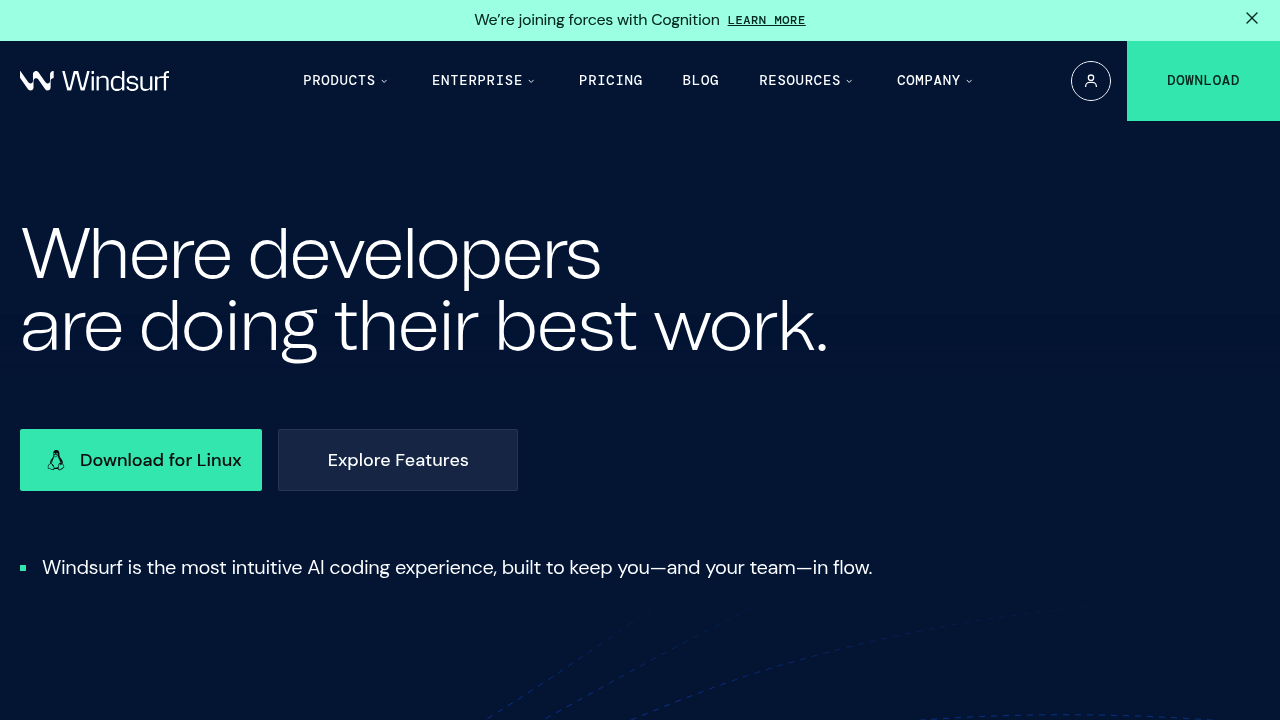
Windsurf Editor is an AI agent-powered IDE available on Mac, Windows, and Linux. It uses Cascade, an AI system that performs multi-step code edits across multiple files with deep contextual awareness. Cascade combines codebase understanding, advanced tools, and real-time awareness of developer actions. Solo developers favor Windsurf when they need an assistant that understands project context and executes complex refactoring without constant prompting.
Strengths
- Flow-based AI collaboration — Cascade tracks developer actions and continues work automatically, reducing context switching. The system suggests next steps naturally within the workflow.
- Multi-file semantic editing — Cascade handles multi-file edits with contextual awareness of relationships between codebase components. Changes remain coherent across files.
- Generous free tier — Windsurf is free forever for individuals with 25 prompt credits per month. Free tier includes unlimited Fast Tab autocomplete and previews.
- Enterprise-grade security — Enterprise self-hosted deployments keep all compute and data within customer-managed tenants. Zero-data retention is default on enterprise and team plans.
- Real-time previews — Frontend developers see live UI previews inside the editor that update as code changes. No need to switch to browsers during development.
- Turbo mode automation — Cascade can auto-execute terminal commands when Turbo mode is enabled. Developers stay in the editor instead of jumping to terminals.
Weaknesses
- Desktop-only environment — No web-based option. Developers must install software on local machines.
- Credit consumption model — Each "continue" action counts as a new prompt credit due to tool calling costs. Heavy users may exhaust credits quickly.
- Limited context on free tier — 25 monthly credits restrict how much AI assistance free users can access. Pro tier costs $15/month for 500 credits.
- Fork of VS Code — Both Windsurf and competitors like Cursor are VS Code forks with similar base interfaces. Differentiation comes primarily from AI features.
Best for
Developers who need autonomous AI assistance for complex, multi-file refactoring tasks and prefer desktop IDEs with enterprise security options.
Pricing plans
- Free — $0/month — 25 prompt credits/month, unlimited Fast Tab, unlimited SWE-1 Lite, 1 app deploy/day, optional zero data retention
- Pro — $15/month — 500 prompt credits/month, all premium models (OpenAI, Claude, Gemini, xAI), add-on credits at $10/250 credits, 5 app deploys/day, optional zero data retention
- Teams — $30/user/month — 500 prompt credits/user/month, add-on credits at $40/1,000 credits, centralized billing, admin dashboard with analytics, priority support, automated zero data retention, SSO available for +$10/user/month
- Enterprise (up to 200 users) — $60/user/month — 1,000 prompt credits/user/month, add-on credits at $40/1,000 credits, RBAC, SSO included, priority support, knowledge base
- Enterprise (200+ users) — Custom pricing — Volume discounts, hybrid deployment option, dedicated account management, highest priority support
Tech details
- Type: Desktop IDE (Mac, Windows, Linux)
- IDEs: Standalone application (VS Code fork)
- Key features: Cascade (AI flow system), Supercomplete (action-aware autocomplete), multi-file editing, in-editor live previews, terminal command integration, image support in prompts, conversation checkpointing
- Privacy / hosting: Zero-data retention available (default on Teams/Enterprise). Self-hosted deployment option for Enterprise via Docker Compose or Helm chart on customer-managed GPU tenants. Cloud-based by default with optional privacy mode.
- Models / context window: Supports OpenAI, Claude, Gemini, xAI, and other premium models. SWE-1 model available on Pro tier. Context window varies by model provider.
When to choose this over Replit
- You need local development with full desktop IDE capabilities instead of browser-based coding. Windsurf runs natively on your machine with local file access.
- Your projects require autonomous multi-file refactoring that understands architectural relationships. Cascade executes complex changes across codebases without manual file-by-file editing.
- Enterprise security and self-hosted deployments matter for your organization. Windsurf offers SOC 2 compliance, zero-data retention, and private tenant options that browser IDEs cannot match.
When Replit may be a better fit
- You want instant coding without installing software. Replit runs entirely in browsers while Windsurf requires desktop installation.
- Your workflow depends on collaborative real-time editing with teammates. Replit provides multiplayer coding features that Windsurf does not emphasize.
- You need integrated hosting and deployment infrastructure. Replit includes built-in hosting while Windsurf focuses on the development environment.
Conclusion
Windsurf positions itself as a Replit alternative by offering desktop-native development with sophisticated AI assistance. Cascade enables multi-step code edits with contextual awareness. The tool suits developers who prefer local IDEs over browser environments and need AI that understands project architecture. Individual developers get lifetime free access, making it accessible for solo projects. Enterprise features like self-hosting and zero-data retention address security requirements that browser-based tools struggle to meet.
Sources
- Official site: https://windsurf.com/
- Docs: https://docs.windsurf.com/
- Pricing: https://windsurf.com/pricing
FAQ
What is Windsurf and how does it differ from browser IDEs?
Windsurf is a desktop IDE that runs natively on Mac, Windows, and Linux systems. Unlike browser-based tools, it provides full local file system access and integrates directly with local development tools. The Cascade AI system performs autonomous multi-file editing with deep contextual understanding of codebases.
How does the credit system work in Windsurf?
Windsurf uses prompt credits for AI interactions. Free tier provides 25 credits monthly, Pro tier includes 500 credits monthly at $15/month. Each AI request consumes credits, and "continue" actions count as new prompts due to tool calling costs. Additional credits can be purchased at $10 per 250 credits (Pro) or $40 per 1,000 credits (Teams/Enterprise).
Can I use Windsurf offline or does it require internet?
Windsurf requires internet connectivity for AI features because model inference happens on remote servers. The IDE itself runs locally, but Cascade and other AI capabilities need cloud access to function. Enterprise customers can deploy self-hosted versions that keep compute within private infrastructure.
What security and privacy options does Windsurf offer?
Teams and Enterprise plans include zero-data retention by default, meaning code is not stored in logs or used for training. Enterprise customers can deploy self-hosted versions via Docker Compose or Kubernetes, keeping all data within their own infrastructure. SOC 2 Type II and FedRAMP High compliance are available for regulated industries.
Which AI models can I use with Windsurf?
Windsurf supports multiple model providers including OpenAI, Claude, Gemini, and xAI. Pro and higher tiers access all premium models. The platform also offers SWE-1 model (currently promotional at 0 credits per prompt on Pro tier) and unlimited access to SWE-1 Lite on all tiers including free.
How does Windsurf compare to other AI coding assistants like Cursor?
Both Windsurf and Cursor are VS Code forks with AI capabilities. Windsurf differentiates through its Cascade flow system that tracks developer actions and suggests continuations automatically. Windsurf offers more generous free tier (25 credits vs limited trial) and includes enterprise self-hosting options. Interface differences include Cascade's write/chat mode toggle versus Cursor's Composer approach.