GitHub Copilot
AI-powered code completion and chat assistant that works inside your existing IDE.
GitHub Copilot - Replit alternative
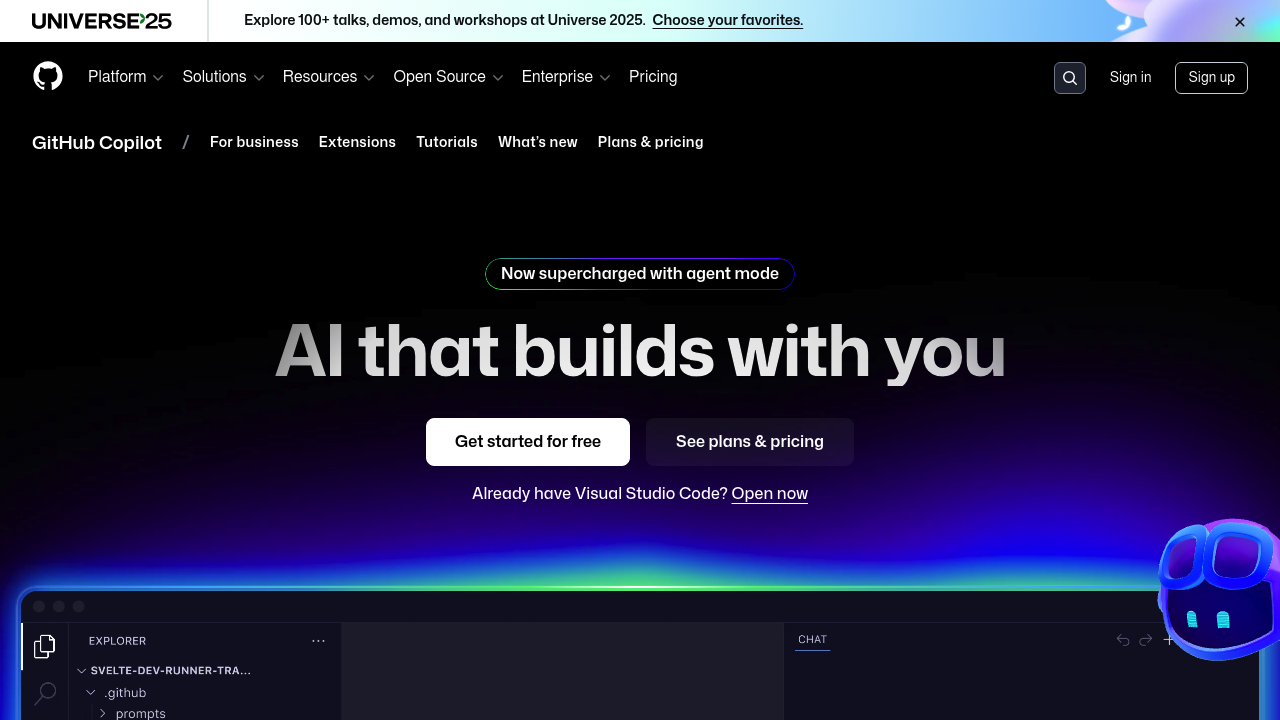
GitHub Copilot provides autocomplete-style code suggestions and a chat interface for coding questions across multiple IDEs including Visual Studio Code, Visual Studio, JetBrains, Eclipse, and Xcode. Unlike browser-based development environments, Copilot integrates directly into local development workflows. It includes autonomous coding agents that can handle GitHub issues and create pull requests. Solo developers favor it when they need AI assistance without changing their existing editor setup or development process.
Strengths
- Supports multiple AI models including GPT-5, Claude Sonnet 4.5, Claude Opus 4.1, Gemini 2.5 Pro, and o3, allowing developers to switch between models based on task requirements.
- Works natively in Visual Studio Code, Visual Studio, JetBrains IDEs, Azure Data Studio, Xcode, Vim/Neovim, and Eclipse, eliminating context switching between tools.
- Copilot coding agent autonomously makes code changes by working on assigned GitHub issues and creating pull requests for review.
- Copilot CLI enables terminal-based interactions for command-line workflows, including GitHub.com operations like listing pull requests or creating issues.
- Free tier available with 50 premium requests per month and 2,000 monthly code completions, lowering entry barriers.
- Code review feature analyzes work and identifies bugs before human review.
Weaknesses
- Requires separate IDE installation and configuration rather than instant browser access.
- Free plan limits users to 2,000 code completions monthly and 50 premium requests, which may constrain heavy users.
- Focuses on code assistance rather than full-stack application deployment or hosting infrastructure.
- Premium request allowances vary by plan (300 for Pro, 1,500 for Pro+), with additional requests billed at $0.04 each.
- Learning curve exists for maximizing chat prompts, custom instructions, and model selection.
Best for
Developers working in local IDEs who need intelligent code completion and AI chat without migrating to cloud-based environments.
Pricing plans
- Copilot Free — $0/month — 2,000 code completions/month, 50 premium requests/month, limited model access.
- Copilot Pro — $10/month or $100/year — Unlimited completions, 300 premium requests/month, access to premium models including GPT-5 and Claude Opus 4.1.
- Copilot Pro+ — $39/month or $390/year — Unlimited completions, 1,500 premium requests/month, full access to all available models.
- Copilot Business — $19/seat/month — 300 premium requests/user/month, centralized policy management, organization custom instructions.
- Copilot Enterprise — $39/seat/month — 1,000 premium requests/user/month, knowledge bases, advanced customization, requires GitHub Enterprise Cloud.
Additional premium requests available at $0.04/request beyond plan allowances.
Tech details
- Type: AI code completion and chat assistant
- IDEs: Visual Studio Code, Visual Studio, JetBrains IDEs (IntelliJ, PyCharm, WebStorm, etc.), Eclipse, Xcode, Vim/Neovim, Azure Data Studio
- Key features: Real-time code suggestions, multi-file editing, autonomous coding agent, pull request summaries, code review, terminal CLI, Copilot Extensions, custom instructions, Copilot Spaces for context organization
- Privacy / hosting: Cloud-based AI processing; enterprise plans support content exclusion policies and file-level ignore configurations; code suggestions can be blocked if matching public code
- Models / context window: Multiple models including OpenAI GPT-5, Anthropic Claude Opus 4.1, and Google Gemini 2.0 Flash; 64k context window with GPT-4o (128k in VS Code Insiders); Claude Sonnet 4.5 offers 200K context window
When to choose this over Replit
- You maintain local development environments and want AI assistance without browser-based constraints or forced workflow changes.
- Your project requires integration with existing Git workflows, GitHub repositories, and enterprise development practices.
- You need access to multiple frontier models including GPT-5, Claude Opus 4.1, and Gemini 2.5 Pro for specialized tasks.
When Replit may be a better fit
- You want instant browser-based coding without installing editors, configuring extensions, or managing local environments.
- Your workflow emphasizes rapid prototyping, immediate deployment, and integrated hosting infrastructure.
- You prefer all-in-one platforms that combine IDE, runtime, database, and deployment rather than assembling separate tools.
Conclusion
GitHub Copilot serves developers who value IDE flexibility and local workflows. It transforms established editors into AI-powered environments through code completion, chat, autonomous agents, and CLI tools. The multi-model approach and deep GitHub integration distinguish it from browser-first alternatives. Organizations appreciate enterprise features like knowledge bases and policy management. The free tier provides practical access for evaluation, while Pro plans unlock unlimited completions and premium models.
Sources
- Official site: https://github.com/features/copilot
- Docs: https://docs.github.com/en/copilot
- Pricing: https://github.com/features/copilot/plans
FAQ
What's the difference between GitHub Copilot and Replit as a Replit alternative?
GitHub Copilot works inside your existing IDE to provide code suggestions and AI chat. Replit offers a complete browser-based development environment with built-in hosting and deployment. Copilot focuses on enhancing local workflows, while Replit provides instant cloud-based coding.
Can I use GitHub Copilot without a GitHub account?
No. GitHub Copilot requires a GitHub account for all plans including the free tier. Authentication and billing run through GitHub's platform.
Which AI models does GitHub Copilot support?
Copilot supports GPT-4.1, GPT-5-Codex, GPT-5 mini, GPT-5, o3, o4-mini, Claude Sonnet 4.5, Claude Opus 4.1, Claude Opus 4, Claude Sonnet 3.5, Claude Sonnet 3.7, Claude Sonnet 4, Gemini 2.5 Pro, Gemini 2.0 Flash, and Grok Code Fast 1. Model availability varies by plan tier.
Does GitHub Copilot work offline?
No. Copilot requires internet connectivity to process requests through cloud-based AI models. Code completions and chat responses depend on real-time API calls.
How does the Copilot coding agent work?
The coding agent autonomously handles assigned GitHub issues by making code changes and creating pull requests for review. Developers can also request pull requests directly from Copilot Chat. The agent operates asynchronously and iterates until completing the task.
What happens when I exceed my premium request limit?
Additional premium requests beyond your plan's allowance cost $0.04 per request. You can set budget limits to control spending on metered usage.