JetBrains AI
AI-powered coding assistant integrated directly into professional JetBrains IDEs for developers who want intelligent code completion without a browser-based environment.
JetBrains AI - Replit alternative
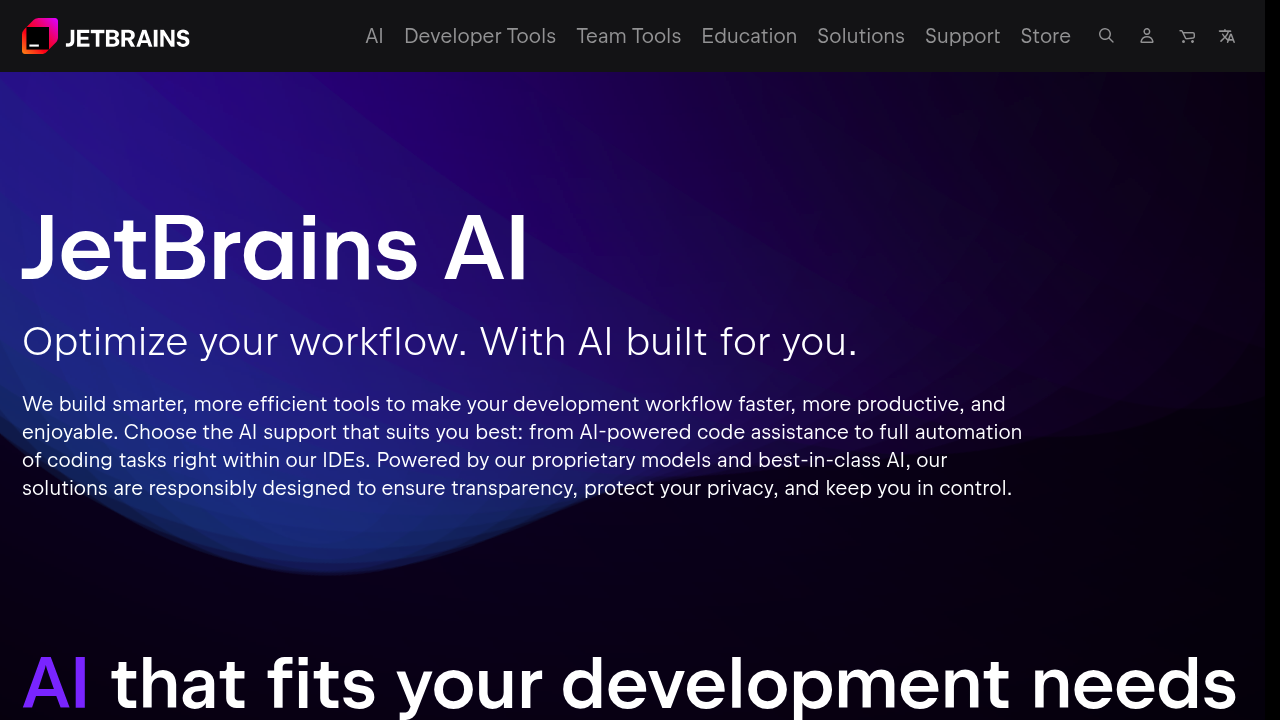
JetBrains AI is an AI assistant plugin that integrates into JetBrains IDEs like IntelliJ IDEA, PyCharm, WebStorm, and others. It connects users to different large language models and enables AI-powered features within JetBrains products. The system includes code completion, AI chat with codebase context, automated test generation, and Junie coding agent capabilities. Solo developers who already use JetBrains IDEs and prefer working in a native desktop environment may find this a natural Replit alternative for AI-assisted development.
Strengths
- Provides unlimited code completion and AI chat with codebase context across all tiers, giving developers consistent access to core features.
- Supports multiple advanced cloud-based LLMs including GPT-5, Claude 4 Sonnet, Gemini 2.5 Pro, and local models through Ollama or LM Studio, offering flexibility in model selection.
- Integrates with 15+ JetBrains IDEs including IntelliJ IDEA, PyCharm, WebStorm, Rider, PhpStorm, and Android Studio, covering most major development platforms.
- Includes specialized features like database query generation, Django-specific AI features, Jupyter notebook integration, and VCS commit message generation for comprehensive workflow support.
- Offers offline mode using local models for developers concerned about data privacy instead of cloud-based processing.
- AI Pro tier is included free with All Products Pack and dotUltimate subscriptions starting from version 2025.1, adding value for existing customers.
Weaknesses
- Quota limits vary significantly between tiers with AI Free offering only ~1x quota, AI Pro ~10x, and AI Ultimate ~40x, potentially limiting heavy users on lower tiers.
- AI Free tier is not available in ReSharper, Fleet, Android Studio, or Community Editions of PyCharm and IntelliJ IDEA, restricting access for some user groups.
- Requires an existing JetBrains IDE subscription for most professional use cases, adding to total ownership costs beyond the AI assistant itself.
- Junie coding agent is not available on AI Enterprise tier and has regional restrictions including Mainland China, limiting functionality for some users.
- No browser-based or collaborative coding environment like Replit's multiplayer features for team development sessions.
Best for
Professional developers already using JetBrains IDEs who want integrated AI assistance without switching to browser-based development environments or managing separate AI coding tools.
Pricing plans
- AI Free — $0/month — Small quota (~1x baseline), unlimited code completion and chat features, monthly quota reset, available starting from IDE version 2025.1
- AI Pro — Unknown — Medium quota (~10x baseline), unlimited code completion and chat features, monthly quota reset, included free with All Products Pack and dotUltimate subscriptions
- AI Ultimate — Unknown — Large quota (~40x baseline), unlimited code completion and chat features, monthly quota reset, quota increase available upon support request
- AI Enterprise — Unknown — Large quota (~40x baseline), custom enterprise features, available only as part of JetBrains IDE services
Note: Starting August 25, 2025, JetBrains rolled out a new quota model with transparent pricing for extending usage beyond included quotas.
Tech details
- Type: AI assistant plugin for desktop IDEs
- IDEs: IntelliJ IDEA, PyCharm, WebStorm, PhpStorm, Rider, GoLand, CLion, RubyMine, AppCode, DataGrip, DataSpell, Aqua, RustRover, Writerside, Fleet, ReSharper, and Android Studio
- Key features: Unlimited code completion, AI chat with codebase context, multi-file editing, test generation, code refactoring, Junie coding agent
- Privacy / hosting: Cloud-based LLMs by default with offline mode available using local models through Ollama, LM Studio, or OpenAI-compatible endpoints. Self-hosted option available for enterprise users.
- Models / context window: OpenAI (GPT-5, GPT-4.1, o1, o3, o4-mini), Anthropic (Claude 4 Sonnet, Claude 3.7 Sonnet, Claude 3.5 Sonnet/Haiku), Google (Gemini 2.5 Pro/Flash), and local models via Ollama/LM Studio. Context window size varies by model and can be configured for local models.
When to choose this over Replit
- You already use JetBrains IDEs for professional development and want AI assistance integrated into your existing workflow without browser dependencies.
- Data privacy is critical and you need the option to run AI models locally or self-hosted rather than cloud-only services.
- You require deep IDE integration with features like database tooling, VCS integration, Django support, or language-specific refactoring that browser-based environments cannot match.
When Replit may be a better fit
- You need a browser-based collaborative coding environment with multiplayer features for real-time team development sessions.
- You want an all-in-one platform that includes hosting, deployment, and environment management without configuring local IDEs.
- You prefer pay-as-you-go pricing without requiring separate IDE licenses or desktop software installations.
Conclusion
JetBrains AI serves developers who prioritize professional desktop IDE capabilities over browser-based development environments. The plugin offers unlimited code completion and AI chat across all tiers with quota-based limits for advanced cloud features. Its integration with the full JetBrains ecosystem makes it a natural Replit alternative for teams already invested in IntelliJ, PyCharm, or other JetBrains tools. The offline mode and local model support address privacy concerns that cloud-only platforms cannot satisfy.
Sources
- Official site: https://www.jetbrains.com/ai/
- Docs: https://www.jetbrains.com/help/ai-assistant/
- Pricing: https://www.jetbrains.com/ai-ides/buy/
FAQ
What's the difference between JetBrains AI tiers?
All license tiers (AI Free, AI Pro, AI Ultimate, AI Enterprise) provide access to the same AI features including unlimited code completion, AI chat with codebase context, and Junie coding agent. The only difference is quota size for cloud-based features, with higher tiers offering greater monthly quotas.
Can I use JetBrains AI without an internet connection?
Yes. AI Assistant supports offline mode where you can use local models through Ollama, LM Studio, or OpenAI-compatible endpoints like llama.cpp. This allows AI-powered coding without cloud connectivity.
Which JetBrains IDEs support AI Assistant?
AI Assistant integrates with IntelliJ IDEA, PyCharm, WebStorm, PhpStorm, Rider, GoLand, CLion, RubyMine, AppCode, DataGrip, DataSpell, Aqua, RustRover, Writerside, Fleet, ReSharper, and Android Studio. Some tier restrictions apply to specific IDEs.
How does the quota system work?
Quota usage is calculated dynamically based on token usage from both your input and AI responses. The quota resets monthly from your subscription activation date. When exhausted, you can wait for reset, upgrade tiers, or switch to offline mode.
Can I choose which AI model to use?
Yes. AI Assistant supports OpenAI models (GPT-5, GPT-4.1, o1, o3), Anthropic models (Claude 4 Sonnet, Claude 3.7/3.5 Sonnet), Google models (Gemini 2.5 Pro/Flash), and local models. You can select your preferred model for chat interactions.
Is JetBrains AI available in all regions?
AI Free and AI Ultimate tiers are only available in serviceable territories with the exception of Mainland China for now, and Junie coding agent is not available to users in Mainland China due to regional restrictions.