Kilo Code
Open-source AI coding agent for VS Code that generates code, automates tasks, and provides intelligent suggestions.
Kilo Code - Replit alternative
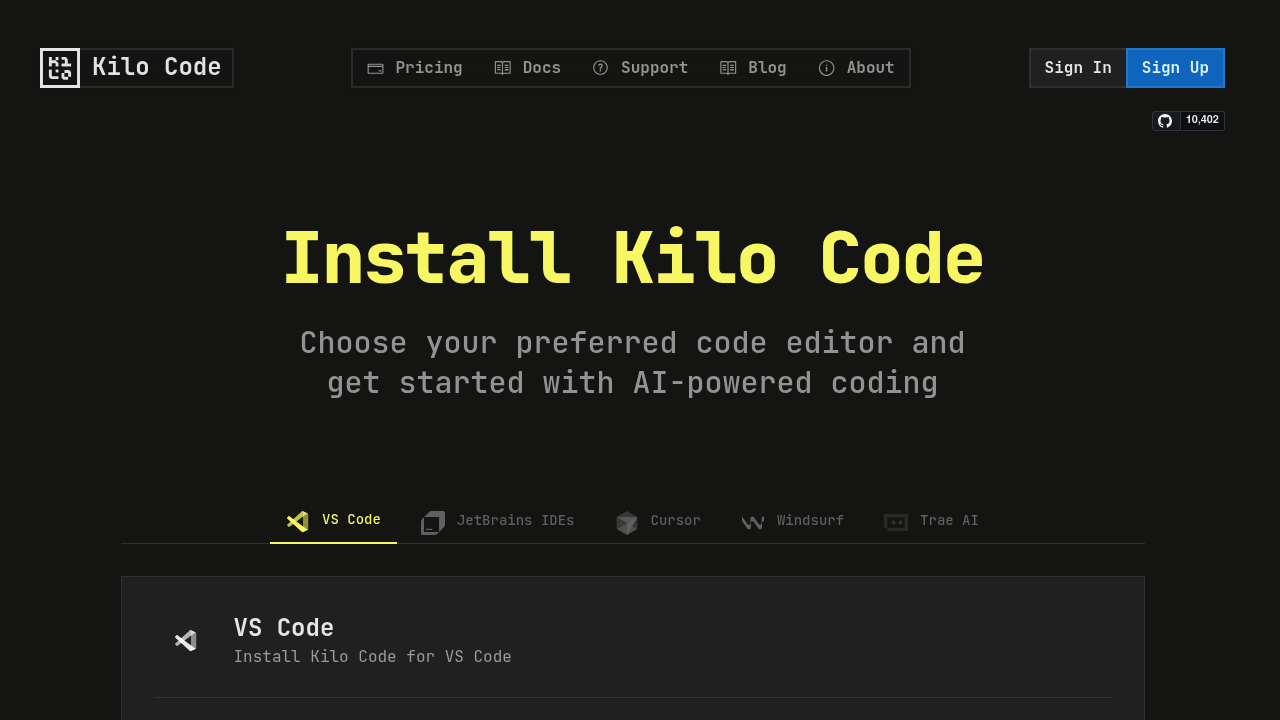
Kilo Code is an open-source extension that plugs directly into VS Code and accelerates development with AI-driven code generation and task automation. It uses large language models to understand requests and translate them into actions, including reading and writing files, executing terminal commands, and performing web browsing. Solo developers might prefer this Replit alternative because it works inside their existing VS Code setup without requiring a separate browser-based environment. It offers free-to-start access with no commission fees and complete model freedom, allowing users to choose from 400+ hosted models, run locally, or bring their own keys.
Strengths
- Supports multiple specialized modes including Code Mode for general tasks, Architect Mode for planning, Ask Mode for questions, Debug Mode for problem diagnosis, and unlimited custom modes for specialized tasks like security auditing or performance optimization.
- Completely free and open-source VS Code extension with full source code access on GitHub, no data training on user code, and no vendor lock-in.
- API provider charges 0% commission and users pay exactly what Anthropic, OpenAI, and Google charge with no markup or hidden fees.
- Includes $20 free credits for Gemini 2.5 Pro, Claude 4 Sonnet & Opus, and GPT-4.1 upon sign-up.
- Supports Model Context Protocol (MCP) for adding unlimited custom tools, integrating with external APIs, connecting to databases, or creating specialized development tools.
- Supports local models through Ollama and LM Studio for offline use or enhanced privacy.
Weaknesses
- Requires careful review of proposed changes as the tool can make mistakes and execute potentially dangerous commands.
- Limited to VS Code and JetBrains environments only. No standalone web interface like Replit.
- Requires users to bring their own API keys after free credits expire or use paid Kilo API provider.
- Web browsing capability can potentially access sensitive information if enabled.
- No built-in hosting, deployment, or collaboration features typical of browser-based IDEs.
Best for
Developers who prefer working in VS Code and want AI-assisted coding without subscription fees. Ideal for solo developers, open-source contributors, and teams needing model flexibility with local or custom AI providers.
Pricing plans
- Open Source Extension — Free — Unlimited use, full VS Code extension, no restrictions, community support.
- Kilo API Provider — Pay-per-use — $20 free credits included, 0% commission, exact pass-through pricing from AI providers (Anthropic, OpenAI, Google).
- Bring Your Own Key — Provider rates apply — Users pay their chosen AI provider directly with no Kilo Code fees.
- Local Models — Free — No usage limits when using Ollama or LM Studio locally.
- Enterprise — Custom pricing — Audit logs, role-based access control, team management dashboard, usage analytics, priority support. Contact [email protected].
Tech details
- Type: VS Code extension / AI coding agent
- IDEs: VS Code and JetBrains
- Key features: Natural language code generation, code refactoring and debugging, documentation writing and updates, codebase question answering, task automation, file and project creation, terminal command execution, browser control, and code search
- Privacy / hosting: No data training on user code. Runs locally as VS Code extension. Supports local models via Ollama and LM Studio for offline use. Enterprise tier offers audit logs and role-based access control.
- Models / context window: Supports Anthropic Claude, OpenAI, OpenRouter, Google Gemini, Glama, AWS Bedrock, GCP Vertex AI, Ollama, LM Studio, DeepSeek, Mistral, Unbound, Requesty, and VS Code Language Model API. Context window varies by chosen model provider.
When to choose this over Replit
- You prefer working in VS Code rather than a browser-based IDE and want AI assistance integrated directly into your existing workflow.
- You want complete model freedom with access to 400+ hosted models, local execution options, or the ability to bring your own API keys.
- You need an open-source solution with no vendor lock-in and full source code access.
When Replit may be a better fit
- You need instant browser-based collaboration features and live multiplayer coding sessions without local setup.
- You want built-in hosting, deployment, and database management without configuring separate services.
- You prefer an all-in-one platform that handles infrastructure, hosting, and development environment in one place.
Conclusion
Kilo Code serves as a powerful Replit alternative for developers who prioritize VS Code integration and model flexibility. Its open-source nature, zero-commission API pricing, and freedom from vendor lock-in make it attractive for solo developers. The multiple specialized modes and Model Context Protocol support enable customization beyond typical browser-based IDEs. However, it lacks Replit's built-in hosting and collaboration features.
Sources
- Official site: https://kilocode.ai/
- Docs: https://kilocode.ai/docs/
- Pricing: https://kilocode.ai/pricing
FAQ
What makes Kilo Code different from Replit?
Kilo Code operates as a VS Code extension rather than a browser-based IDE. It plugs directly into VS Code and focuses on AI-assisted coding without providing hosting or deployment infrastructure. Users only pay for what they use with exact pass-through pricing from AI providers and no commission fees. Replit offers an integrated environment with hosting, while Kilo Code enhances your existing local development setup.
Can I use Kilo Code completely offline?
Yes, Kilo Code supports local models through Ollama and LM Studio for completely offline use. This option provides enhanced privacy since your code never leaves your machine. You'll need to download and configure a local model provider, but once set up, no internet connection is required for AI assistance.
How much does Kilo Code actually cost to use?
The Kilo Code extension is free and open source with no cost or restrictions. New users receive $20 in free credits for Gemini 2.5 Pro, Claude 4 Sonnet & Opus, and GPT-4.1. After free credits, the Kilo API provider charges exactly what Anthropic, OpenAI, and Google charge with no markup or commission. You can also bring your own API keys or use free local models with zero ongoing costs.
Is my code safe when using Kilo Code?
Kilo Code does not train on your code and offers no vendor lock-in. For maximum privacy, you can use local models via Ollama or LM Studio so your code never leaves your machine. However, users should always review proposed changes carefully as the tool can make mistakes and execute potentially dangerous commands. Enterprise users can access additional audit logs and role-based access controls.
What AI models can I use with Kilo Code?
Kilo Code supports Anthropic Claude, OpenAI, OpenRouter, Google Gemini, Glama, AWS Bedrock, GCP Vertex AI, Ollama, LM Studio, DeepSeek, Mistral, Unbound, Requesty, and VS Code Language Model API. Users have complete model freedom with access to 400+ hosted models. You can switch providers anytime, use multiple providers simultaneously, or run models entirely offline.
Does Kilo Code work with JetBrains IDEs like IntelliJ or PyCharm?
Yes, Kilo Code supports both VS Code and JetBrains environments. The extension works with JetBrains products including IntelliJ IDEA, PyCharm, WebStorm, and others. Installation and setup follow a similar process to the VS Code extension, providing consistent AI-assisted coding across different development environments.